OUT NOW -- The new VM-1 is here, released August 2026

VM-1:
PLAY VIDEO
LIKE AN
INSTRUMENT

Trigger clips, mix live feeds and control visuals instantly.

No laptop. No complicated setup.

A DIRECT WAY TO WORK WITH LIVE VIDEO

Live video

The VM-1 is a live-video tool for VJs, artists and live performers. Combine clips, live sources and visual effects in one direct, hands-on workflow - ready to experiment with, adapt and make your own.

HOW THE VM-1 WORKS

Bring in video sources and get ready for the mix.

Shape parameters and timing with intuitive control.

Apply effects for bold results.

Map the projection and fill the room with your visuals.

BUILD YOUR OWN VM-1

Live video
Hardware

WHAT YOU NEED

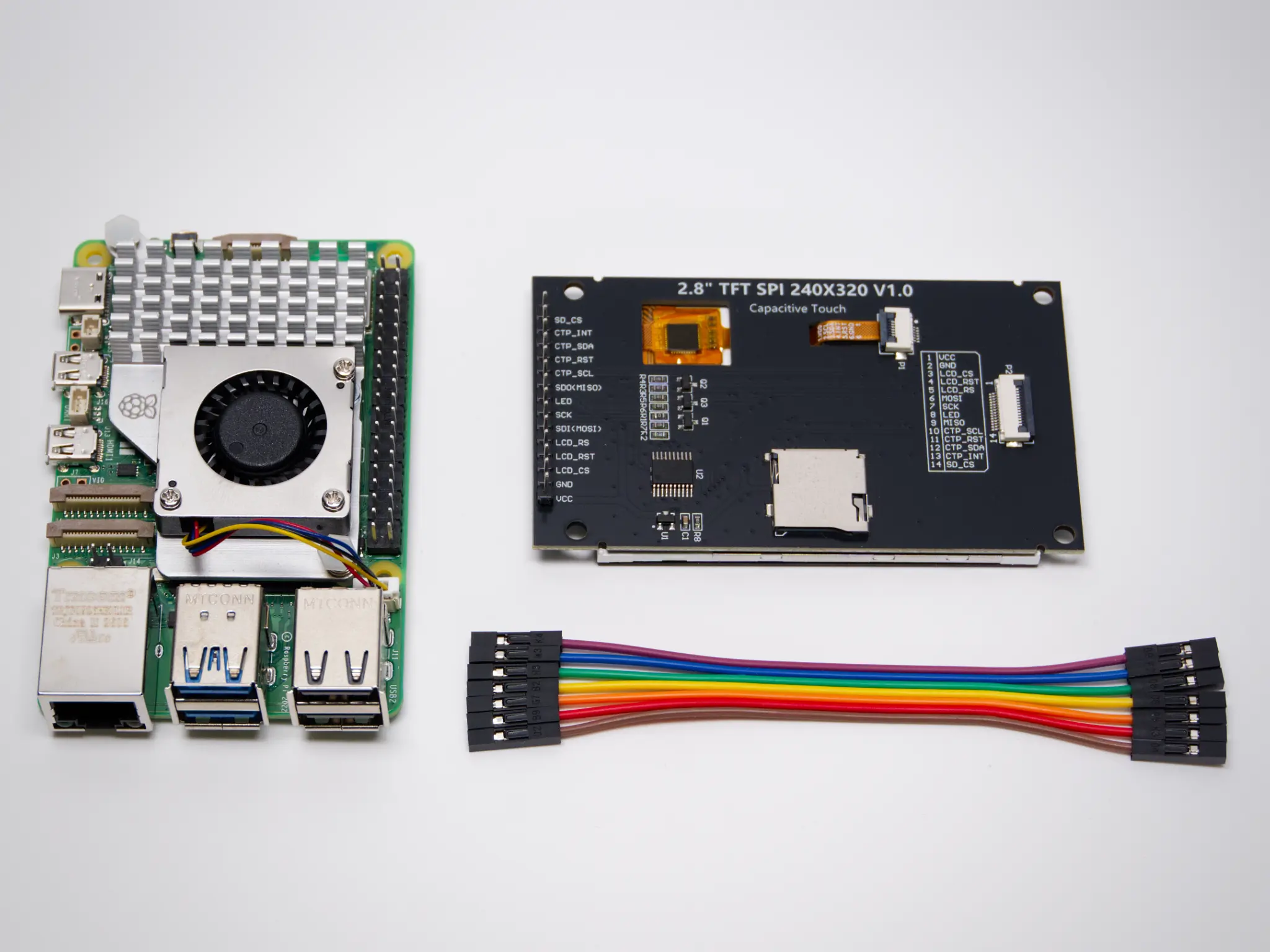
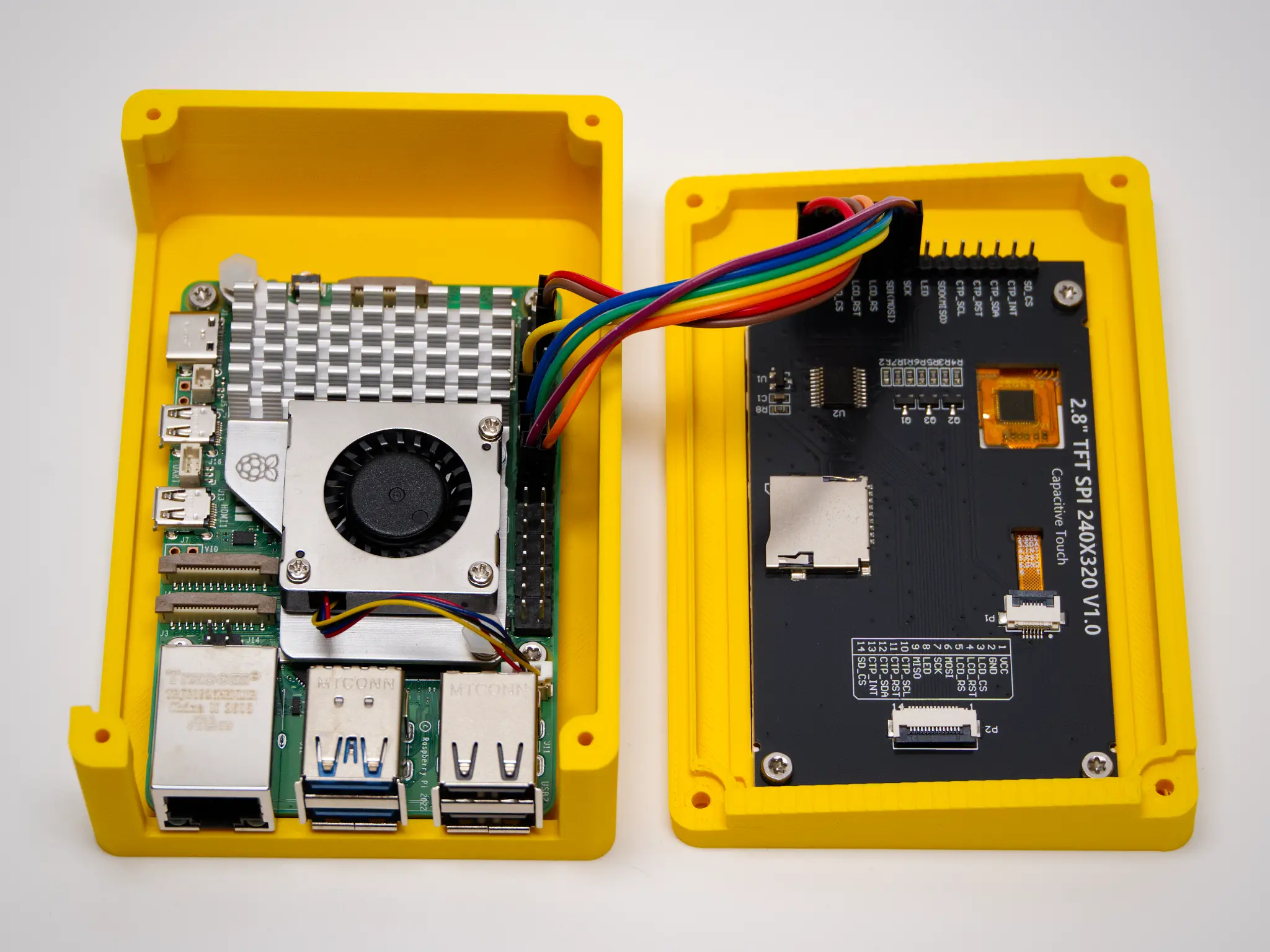
Everything you need to build your own VM-1 basic.

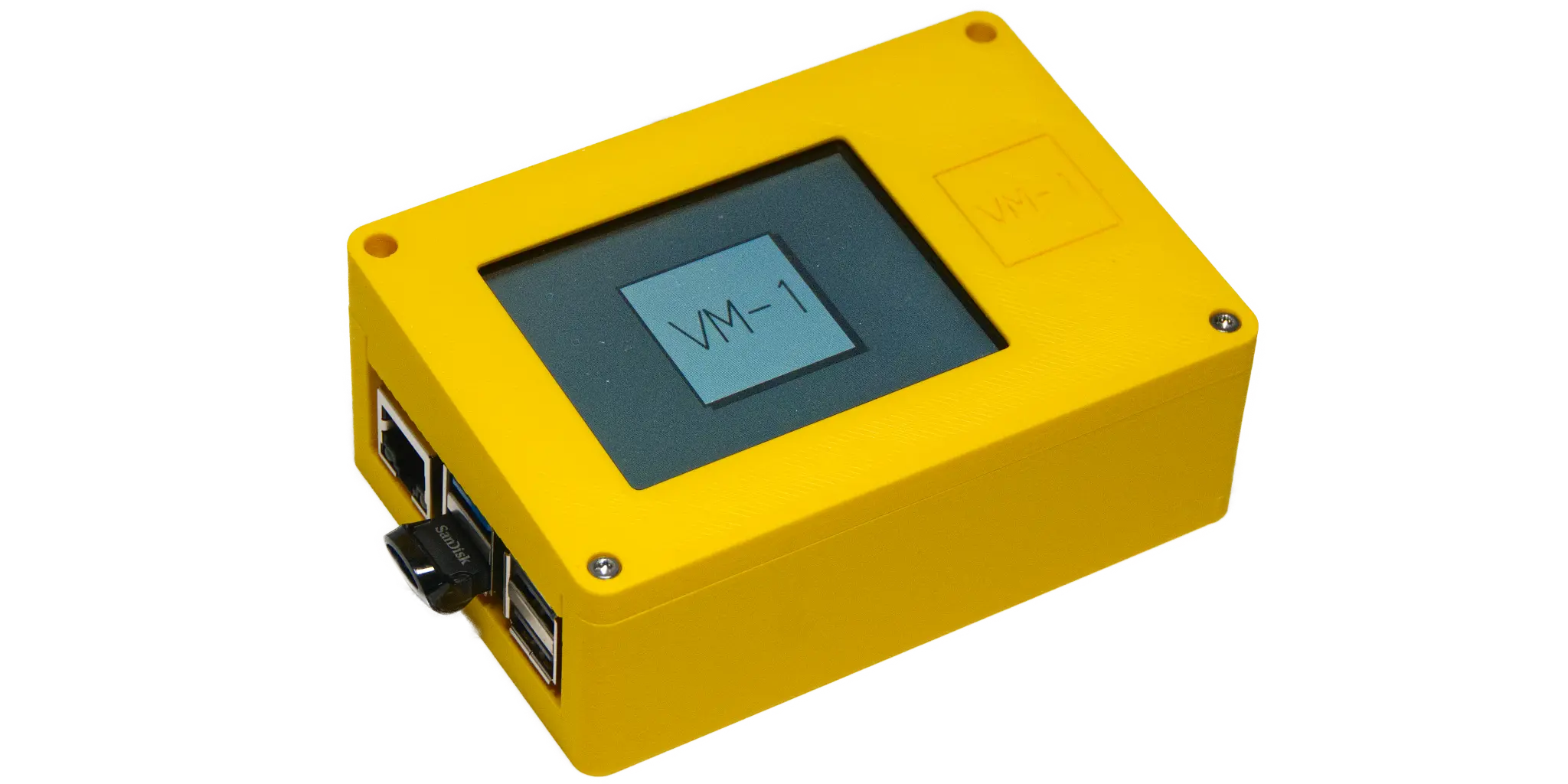
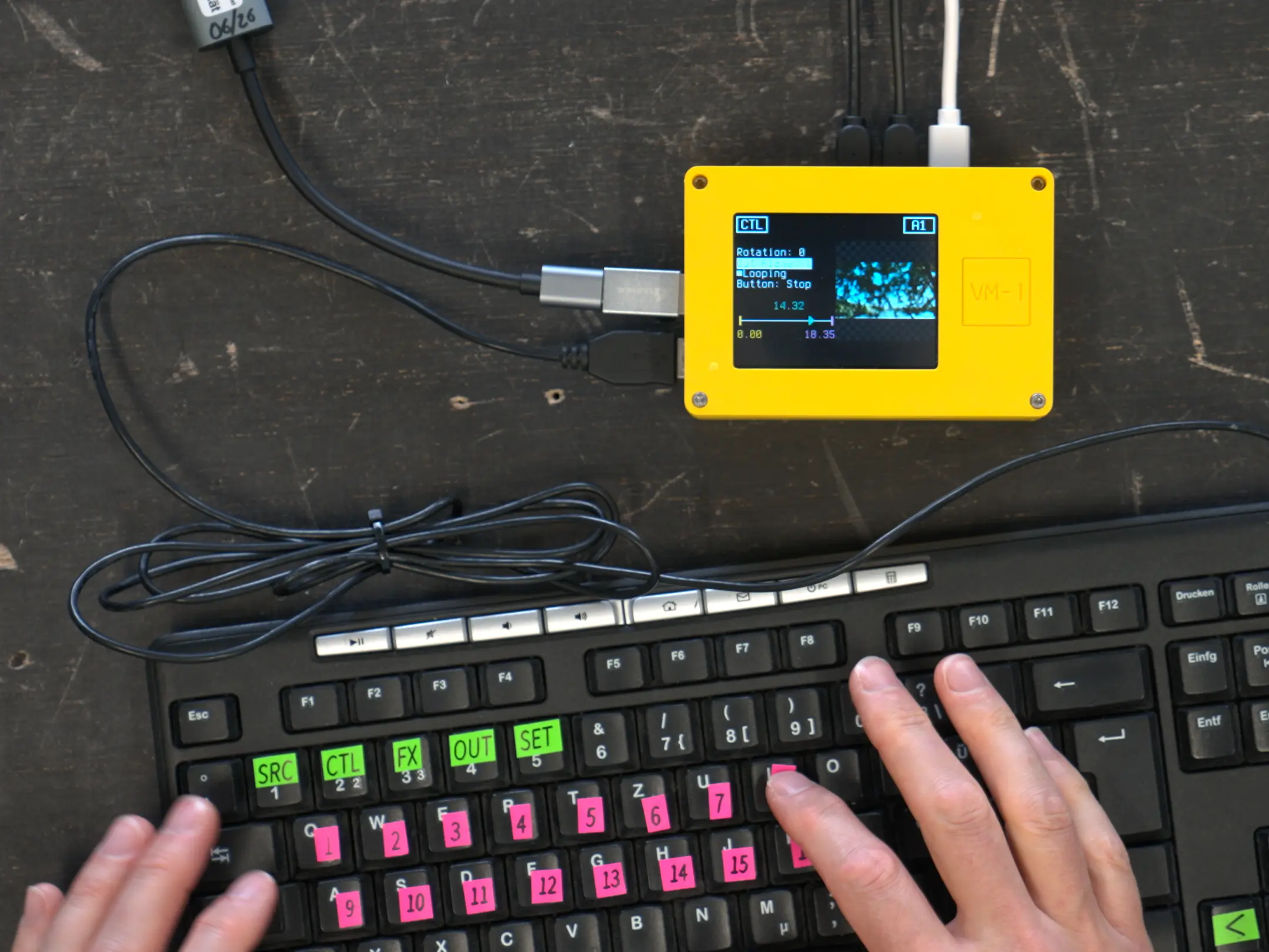
Raspberry Pi 5, display, HDMI input dongle, USB drive, power supply and a keyboard -- plus a 3d-printed case.

Live video
VM-1 Basic 2.0

BUILD IT YOURSELF

The VM-1 Basic is the open DIY version you can build and use today. Download the software and build instructions for free, get the required components and put together your own VM-1.

Control it with a standard computer keyboard. Download the 3D files and print your own case.

WHAT CAN YOU DO WITH THE VM-1?

Live visuals for music

Trigger prepared clips, switch between visuals and bring live camera feeds into a set while it's happening.

Theatre & performance

React to performances on stage instead of locking video into a fixed timeline.

Video art & installations

Mix live and pre-recorded material and adapt the visual output while an installation is running.

Puppetry

Combine live camera images of puppets or miniature scenes with prepared footage and projections.

Multi-screen setups

Send visuals to two HDMI outputs for different screens, projections or spatial setups. The VM-1 currently suppoerts tow Full-HD HDMI outputs.

And we're pretty sure that's not all.

If you are using the VM-1 in a way we haven't mentioned yet, tell us about it -- we'd love to se what you're making: info@vm-1.com

MADE BY FRIENDS. FOR FRIENDS OF VIDEO.

Live video

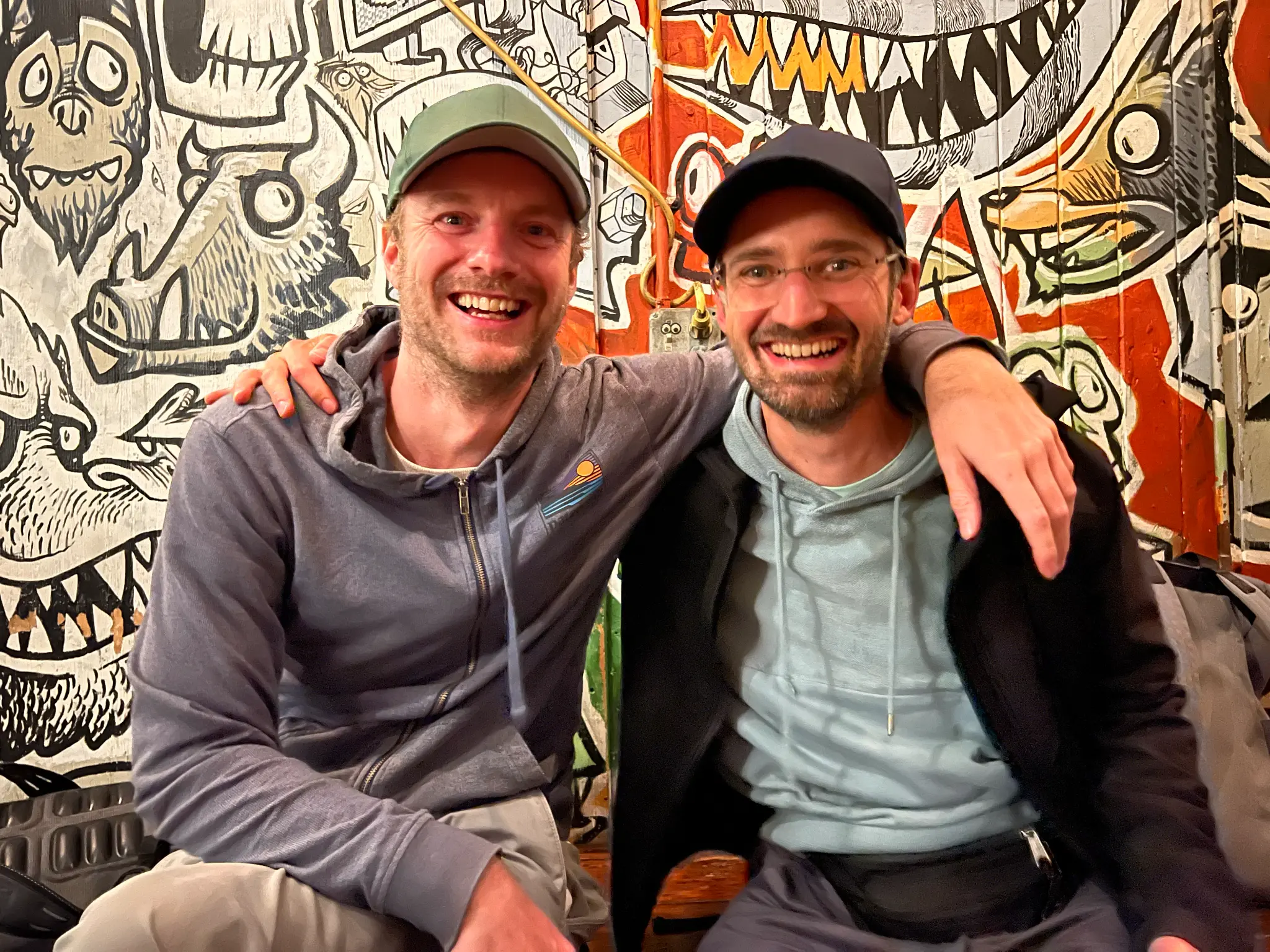
Nils Zweiling & Julian Jungel:

We're passionate about designing and building our own hardware and software solutions.

With a shared background in computer science and media arts - and years of experience developing interactive installations - we love bringing ideas to life where technology and creativity meet. Along the way, we've built games, produced a podcast about tinkering, and spent countless hours experimenting with code, electronics and playful ideas.

VM-1 is our first open hardware project - bringing together everything we've learned so far and sharing it with the community.

The idea was born at the Digital Lab at the Ernst Busch University of Theatre Arts in Berlin, run by Julian. Many students wanted to work with video on stage, but in a more direct and performative way than clicking through software on a computer. The first Raspberry Pi-based Full HD video sampler prototype was built in 2023. With the arrival of the Raspberry Pi 5, the hardware finally became powerful enough to turn the idea into the system we had imagined.

With support from the Aventis Foundation, we were able to develop and release free versions of the VM-1 in 2025 & 2026.

THE NEXT EVOLUTION

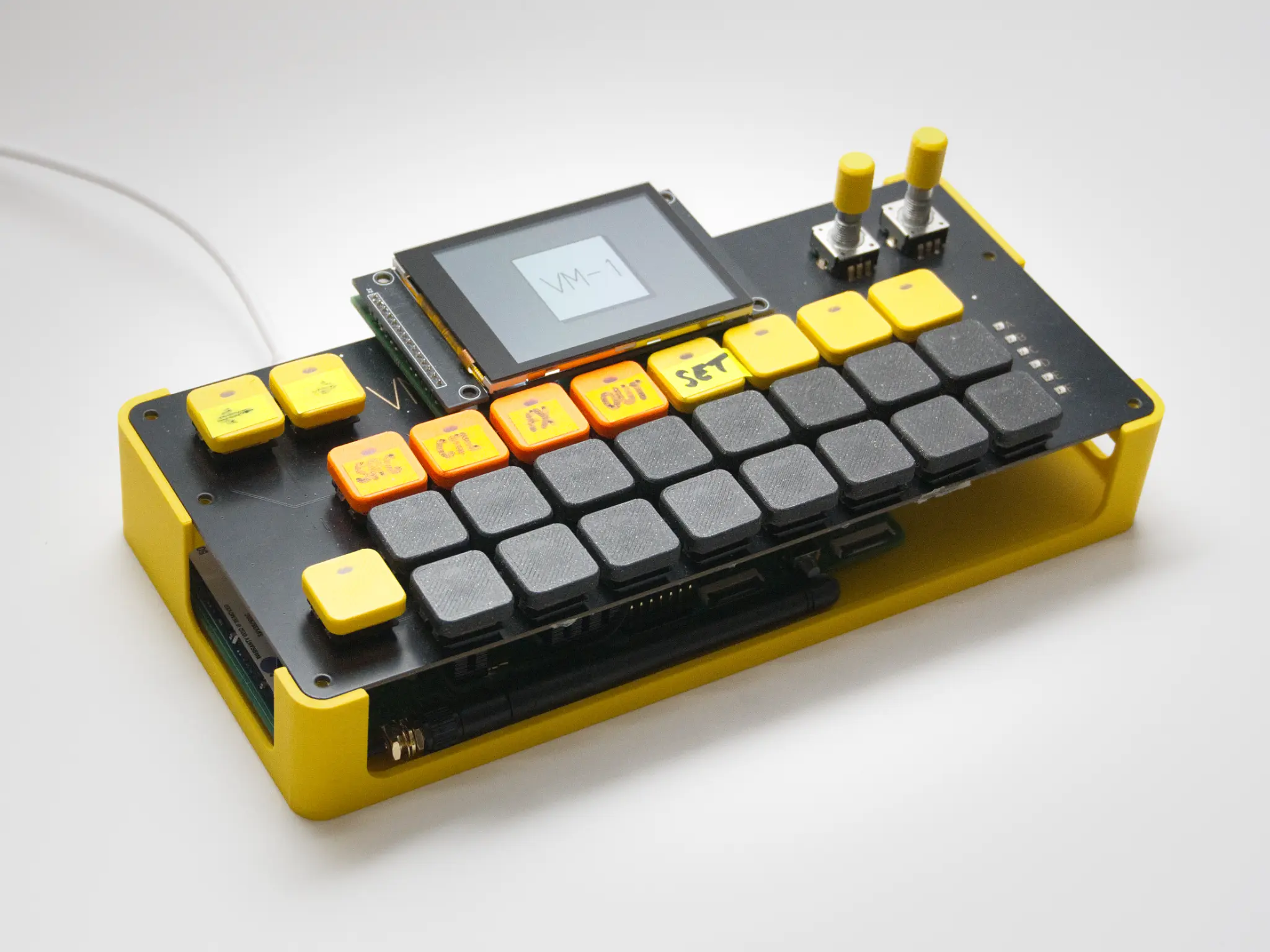
The VM-1 Pro is the same system with a dedicated physical interface. It uses the same core workflow and software, but replaces keyboard control with illuminated buttons and rotary controls for a more direct, hands-on way to work with live video. The current Pro version is developed with the professional user in mind.

The VM-1 Pro is not available as a regular product yet. If you're interested in a custom build or want to explore what might be possible for your project, please do not hesitate to get in touch with us.

A prototype of the VM-1 Pro

FAQ

How do I copy video files to the VM-1?
After connecting the VM-1's WiFi Access Point you can access Tiny File Manager with the QR code in the settings menu to send H.265/HEVC videos from your smartphone or computer to the VM-1. Make sure that your phone does not transcode HEVC videos to h.264 while sharing the files with the VM-1.
Can I buy a VM-1?
VM-1 Basic is currently available as an open DIY project. We're also exploring the idea of producing a small batch of ready-built units in the future - join the newsletter if you'd like to hear about it. Prefer not to build it on your own? We'd also like to connect people who need help with people in the community who enjoy building and tinkering. The VM-1 Pro is still in development and is not available as a regular product yet.
Do I need a 3D-printer to build the VM-1 Basic?
It works without a case but we recommend using our VM-1 Basic enclosure for convenience. If you do not have a printer you might want to check out a maker space or the public library next door.
My video does not play. What can I do?
We're doing our best to check for compatibility when playing the videos. Please make sure to encode your videos with the following settings:
  • H.265/HEVC
  • 1920x1080
  • 30 fps
  • 8 bit
  • 20 Mbit/s
  • keyframe every frame
If you're still having problems - would you mind to drop us a line?
Why doesn't the VM-1 support H.264?
We are aware that H.264 is a quiet boardly compatible codec. However, the Raspberry Pi 5 is optimized for H.265/HEVC.
What about the HDMI input?
You can use any UVC compatible device to get a live video stream into the VM-1. We recommend to use one that supports 1080p/60fps (USB3.0) and has the MS2130 chip.

FOLLOW US OR CONTRIBUTE.

We are always happy to hear from you.

Share your ideas, report a bug or get involved in the development of the VM-1. Whether you want to follow the project or contribute directly, you're welcome to join in.